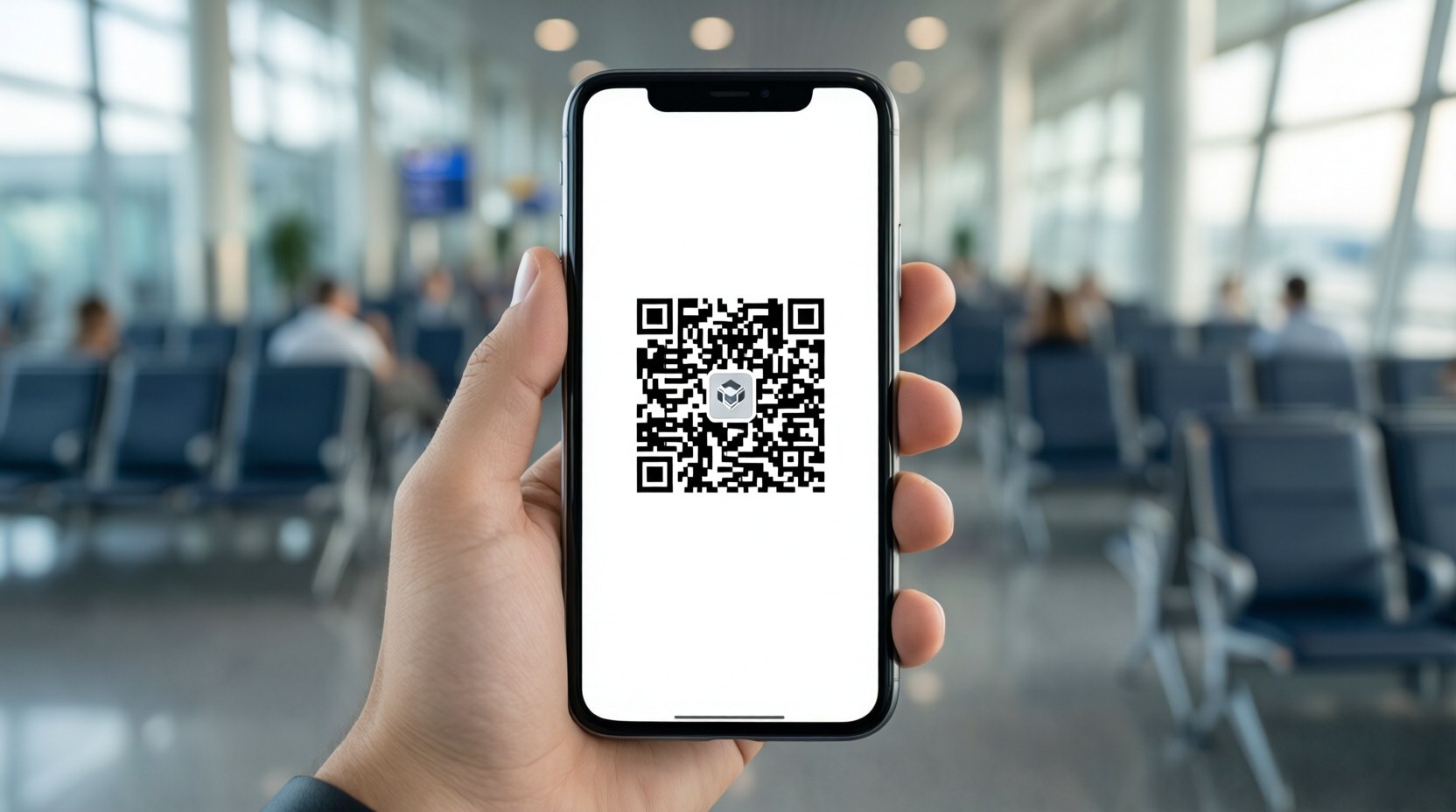
In the past, you filled out two little paper slips (the disembarkation card and customs declaration) by hand on the plane and handed them in. Now, if you register in advance on your phone and create a single QR code (2-D barcode), most of the process at Fukuoka Airport's arrival hall is done simply by holding it up to a kiosk. This chapter walks you, in order, through your pre-arrival prep and the flow through the arrival hall.
Visit Japan Web — finish your digital declaration before arrival
Visit Japan Web is a free website run by the Japanese government. Rather than installing an app, you access it in a browser (Safari, Chrome), create an account, and fill in (1) your immigration information (foreign national disembarkation record) and (2) your customs declaration in advance. Complete both and a QR code for immigration and customs is generated.
Access and register at the official Japanese government site below. Be sure to go to this exact address — not the paid third-party agency sites that show up in search results — to apply for free.
https://services.digital.go.jp/visit-japan-web/
Since creating an account and filling in the details takes time, we recommend registering 2–3 days before departure to have your QR code ready.
| Address | services.digital.go.jp/visit-japan-web (access via the official link above) |
|---|---|
| Cost | Free — it's the official government site (beware of paid agency sites) |
| When to register | Recommended from 2–3 days before departure up to before boarding (possible after arrival too, but filling it in while in line is a hassle) |
| What you'll need | Passport, flight number, and the name and address of your accommodation in Japan (hotel booking confirmation) |
| Relationship to a visa | VJW is not a visa. The Thai-passport visa-free conditions (Chapter 2) still apply as is |
If you fill in only the immigration information and skip the customs declaration, that QR won't get you through customs. Because the system saves and displays only the immigration part, it's easy to think you're finished. Both "Immigration" and "Customs Declaration" must be completed for the QR code to be fully valid.
Registration order — 5 steps
- Create an accountGo to the official address above and sign up with an email and password, then verify your identity. You can register family members and companions under one account.
- Enter passport and basic informationPhotograph your passport with the camera and your name and date of birth fill in automatically. Check that there are no typos.
- Register your planned-entry detailsEnter your arrival flight number, arrival airport (Fukuoka), and your place of stay in Japan (hotel name, address, contact).
- Complete "Immigration" + "Customs Declaration"Fill in the foreign national disembarkation record and the personal-effects declaration separately. You must complete both.
- Generate and save the QR codeWhen complete, the QR appears. Take a screenshot and save it to your phone's photo album (in case you're offline).
Even if you entered companions' details under one account, each person must present their own QR at the arrival hall. Screenshot each family member's screen one by one in advance so you're not flustered when it's your turn.
Fukuoka Airport arrival hall — following the route
Fukuoka Airport's international terminal is relatively small with a simple layout. After deplaning, follow the signs (in English and Korean) in the order below. Fukuoka is an airport where you can clear customs via an electronic declaration gate (e-Gate), so with just a QR the final step is very fast.
- (1) QuarantineYou pass through this first. If you're healthy, you go straight through. If you have symptoms such as fever or diarrhea, you'll be directed to the Health Consultation Room.
- (2) ImmigrationLine up at the "Foreigners" counter. Have your passport and immigration QR code ready. Scan the QR at the kiosk, have your fingerprints and face photo taken, then hand your passport to the officer.
- (3) Baggage ClaimCheck the carousel number for your flight on the board and collect your suitcase and golf bag. Golf bags often come out on a separate oversized-baggage lane, so look around.
- (4) Customs — electronic gateScan your QR code and passport at the electronic declaration kiosk and, after face verification, pass through the e-Gate without stopping. If you have nothing to declare, you go straight out to the arrival lobby.
- (5) Arrival LobbyOnce out of the gate, you're at the international terminal 1F arrival lobby, where your driver is waiting. (See the next chapter, "Airport pickup service.")
If you bring meat or dairy (including processed products) or fruit, vegetables, or plant seedlings, you must declare them at the animal and plant quarantine counter. On a golf trip this usually doesn't apply, but if you have snacks or dried fruit from Thailand, it's safer to declare them.
If you couldn't make a QR — paper forms
It's fine even if you couldn't register on VJW due to internet issues or lack of time. You can enter the old way.
- Take the foreign national disembarkation card and the declaration of personal effects and unaccompanied articles handed out by the cabin crew on board
- Fill them out in block capitals with a ballpoint pen (passport info, place-of-stay address, length of stay)
- Submit your passport + disembarkation card at the immigration counter, and the declaration form at customs
- If you didn't receive them, you can use the forms stocked on the side of the arrival hall
Immigration and customs procedures and how the kiosks operate may change according to Japanese government policy (as of 2026, Fukuoka uses a two-step method: an immigration QR kiosk + an electronic customs gate). Before you leave, we recommend confirming the latest information once more on the official Visit Japan Web site (services.digital.go.jp/visit-japan-web) and the official Fukuoka Airport guidance.