Even if you don't speak Japanese, a handful of smartphone apps make a Fukuoka golf trip far smoother. From entry procedures to navigation, translation, taxi-hailing, and weather checks, we've picked just the apps a Thai golfer really needs and laid out their uses and tips. The key is to install them and log in ahead of time, back in Thailand — so you're not scrambling the moment your data first comes online.
Entry & documents
🛂 Visit Japan Web
The Japanese government's official entry-procedure site. Register your immigration and customs declarations in advance to create a QR code, and you'll clear the dedicated airport kiosks quickly. The lines get much shorter, so be sure to register before departure as covered in Chapter 1. (It's a website, not an app — bookmark it.)
📷 Camera / Notes
Not a special app, but if you screenshot and save your passport, flight ticket, accommodation booking, and golf reservation confirmation in advance, you can show them right away at immigration and the clubhouse. Screenshots open even offline.
Navigation & getting around
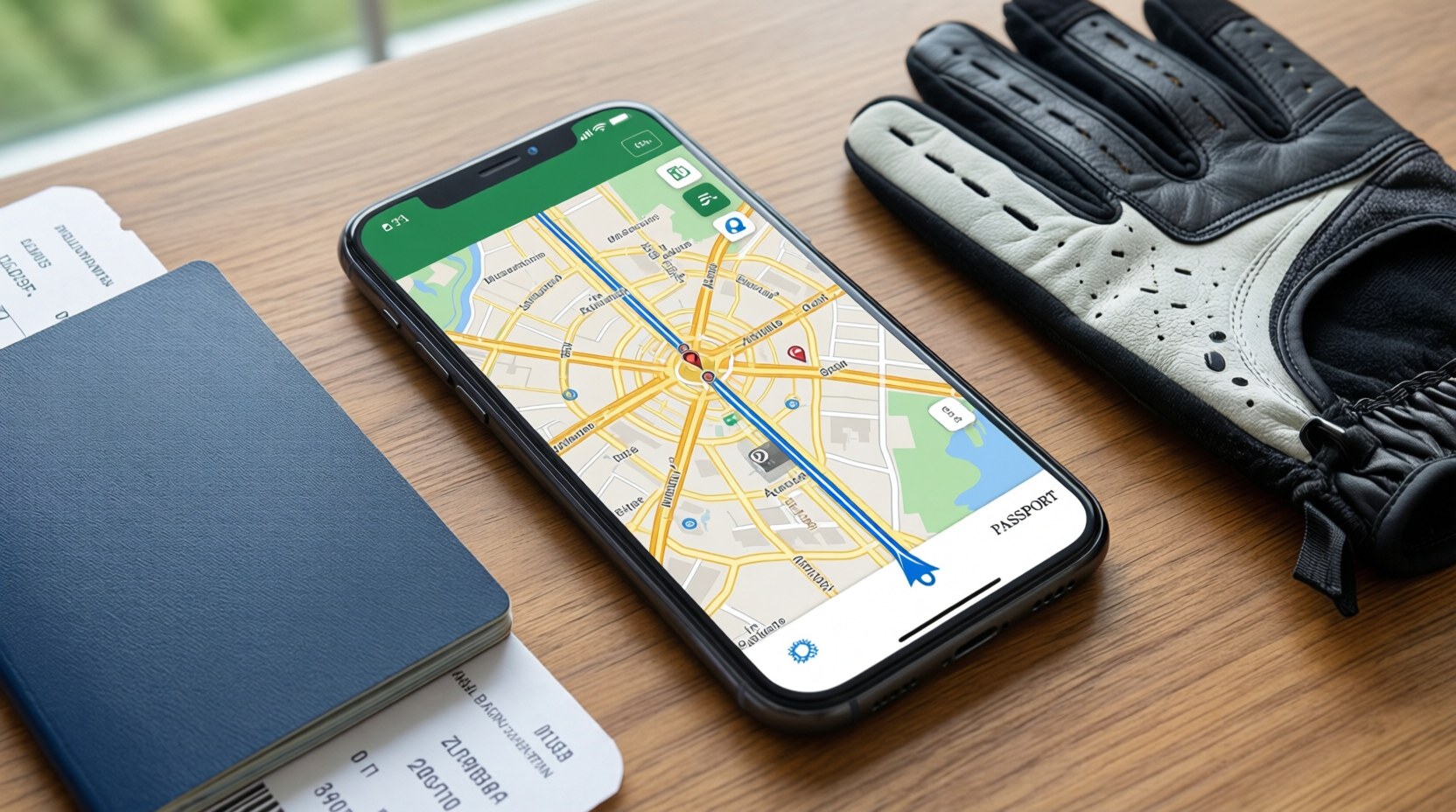
🗺 Google Maps
The absolute basic for traveling in Japan. Beyond directions, its train and bus transfer guidance is accurate. Enter your departure and arrival stations and it tells you which train to take, from which platform, how many minutes it takes, and even the fare. Useful, too, for figuring out routes between central Fukuoka and the golf course.
🚆 Japan Transit (transfer guide)
Japan-specific transfer apps such as Yahoo! 乗換案内 (Norikae Annai) have denser, more accurate train timetables. Given how punctually Japanese trains run, they're dependable for catching last trains and transfer timing. Use as a backup to Google Maps.
🚕 GO (taxi)
Japan's number-one taxi-hailing app (about 80% share). It switches to English and lets you sign up and pay with an overseas number and card. Because Fukuoka Century GC is in a remote mountain area with poor public transit, hailing a taxi and paying by card in the app is a big help.
🚕 DiDi
An alternative taxi app for areas and times when GO is hard to catch. It operates in partnership with licensed taxi companies and has good multilingual support. Install it alongside GO so you can switch over immediately when one doesn't work.
Century GC is far from any station, so a taxi or a pre-arranged pickup is essentially a must. When your round finishes, taxis can be hard to catch out in the countryside, so it's safest to ask the clubhouse front desk to call a taxi in advance (see the phrases below) or to book a TourExpert vehicle or pickup.
Translation — whole conversations and menus
🎙 VoiceTra
A free voice-translation app made by Japan's national research institute (NICT). Its Japanese conversation accuracy is especially high, and it has no ads. It reads your sentence back in Japanese and verifies it with a back-translation, so you can feel confident. Highly recommended for golf-course and restaurant conversations.
🌐 Papago
A translation app familiar to users across Korea and the rest of Asia. It supports text, voice, and image (signs and menus) translation. Its Japanese↔English/Korean quality is good, so it complements VoiceTra nicely.
📸 Google Lens / Translate
Point your camera at a menu or sign and the translation is overlaid right on top of the text in real time. Best for reading the kanji and hiragana menus in Japanese restaurants. Built into the Google Translate app, or into Maps and the camera.
If you download the Japanese and English language packs in advance in Google Translate, camera translation will work even in places with weak data (like the golf-course outskirts). Download them on Wi-Fi before you leave.
Weather & daily life
☀️ tenki.jp / Weather
tenki.jp, the flagship weather app of the Japan Weather Association, has precise precipitation probabilities by area and time slot. Great for prepping for rain or wind on your round day. If English feels like a hassle, just registering "Asakura City (朝倉市)" in your phone's default weather app is enough.
💳 Payment apps (Apple/Google Pay)
Register an overseas card in your phone's wallet and you can pay quickly at convenience stores and chains with contactless (tap) payment. As covered in Chapter 2, keep cash on hand too, but tapping is convenient for everyday small purchases.
Pre-departure app checklist
- Register on Visit Japan Web + screenshot the QR code
- Install Google Maps · bookmark Fukuoka and the golf-course locations
- Install VoiceTra (or Papago) · download the Google Translate Japanese language pack
- Install the GO + DiDi taxi apps · register an overseas card · finish logging in
- Register "Asakura City" in your weather app
- Save screenshots of your passport, flight ticket, and golf reservation
If you install an app for the first time on arrival, you can easily get stuck at the verification-SMS or card-registration step. While you have good Wi-Fi in Thailand, finish installing, logging in, and registering your card. In Fukuoka, all that should be left is "open and use."
App features, supported languages, and fees may change with updates. This guidance is as of 2026; please check the latest descriptions on the App Store / Play Store. App names and developers are trademarks of their respective companies.